Smart Scan
Read supported financial SMS notifications on-device and review detected transactions before saving.
MoneySplit combines transaction capture, upcoming payments, budgets, savings goals, insights, and investment tracking. Core financial records stay on your device.
Review imported records before they are added to your accounts.
Read supported financial SMS notifications on-device and review detected transactions before saving.
Import PDF statements, CSV and Excel files with guided review and duplicate protection.
Capture the details that automation cannot, including split transactions, notes, tags and transfers.
Teach MoneySplit how to understand formats that are unique to your bank or region.
Allocate income while accounting for budgets, savings goals, and upcoming payments.
Divide income by percentage or amount across spending categories and savings goals.
Assign, move and release money while preserving a clear record of what remains available.
Build emergency funds, sinking funds and long-term goals with target dates and pacing guidance.
Track due dates, renewals, EMIs, floating rates, repayments and linked transactions.
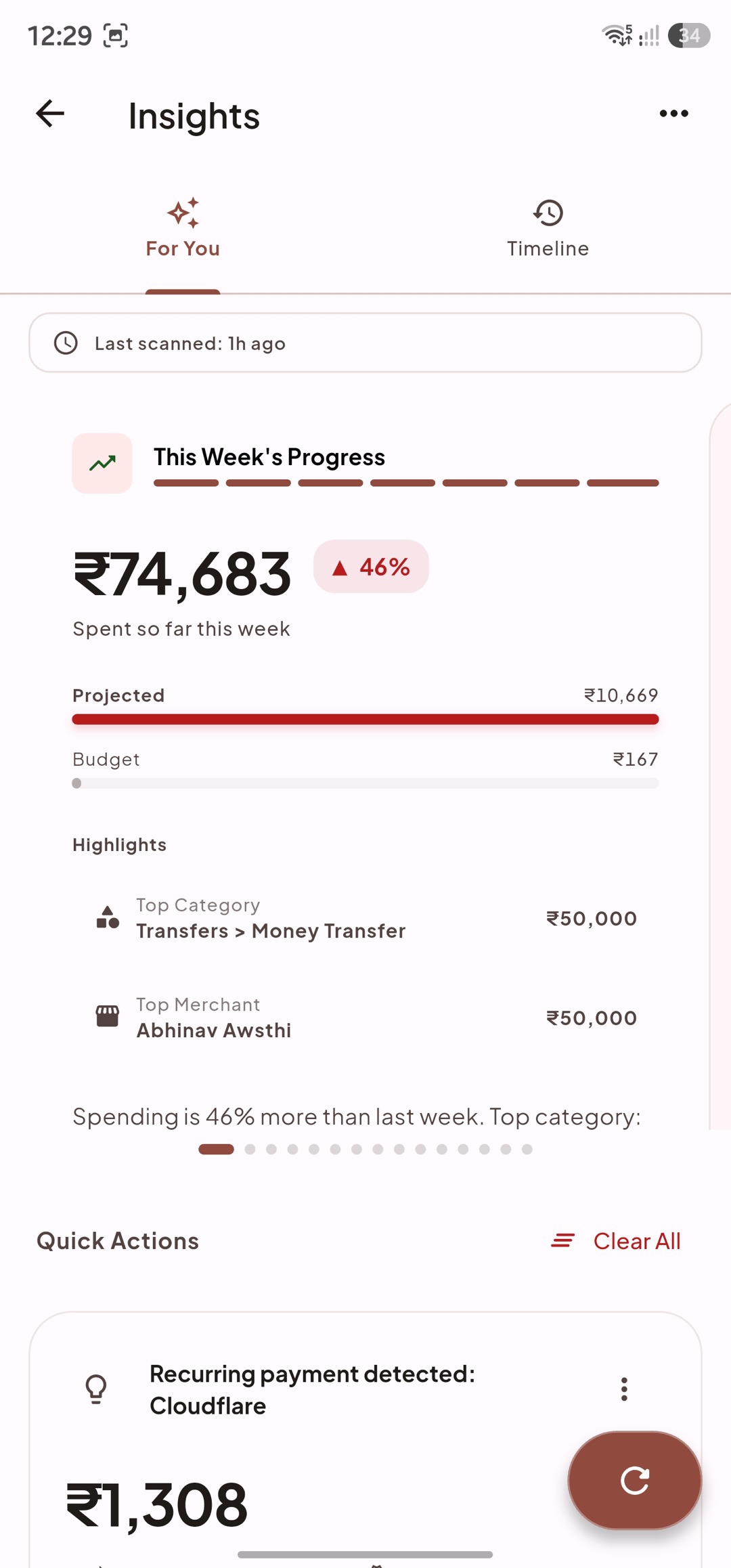
See daily spending guidance, upcoming pressure, unusual activity, and goal progress.
Estimate a practical daily amount after budgets, upcoming obligations and remaining days are considered.
Surface unusual spending, budget pressure, upcoming bills, savings opportunities and goal advice.
Follow income through spending and saving with clear summaries and Sankey-style flows.
Translate a purchase into the working time it costs based on your real hourly income.
Keep holdings connected to the accounts and goals they belong to.
Track units, contributions, withdrawals, values, allocation and performance across accounts.
Cover market holdings, recurring investments, deposits, retirement assets and manual valuations.
Use supported quote providers when wanted while keeping quantities, balances and account identities private.
Import supported investment statements and connect holdings to savings goals without double counting.
Configure navigation, appearance, backups, currencies, and optional external services.
Track bank, cash, wallet, credit and investment accounts across multiple currencies.
Choose important destinations, floating controls, themes and typography.
Keep recoverable local backups and use supported cloud backup only when you choose.
Core records stay on-device; external integrations are optional and explain what they receive.
Start with manual transactions, a budget, or a single account. Add automation, savings goals, and investment tracking when they become useful.
Download MoneySplit