A clear view, from daily spending to long-term plans.
These are real MoneySplit interfaces. Use the theme switcher above to view the matching light or dark version of every screen.
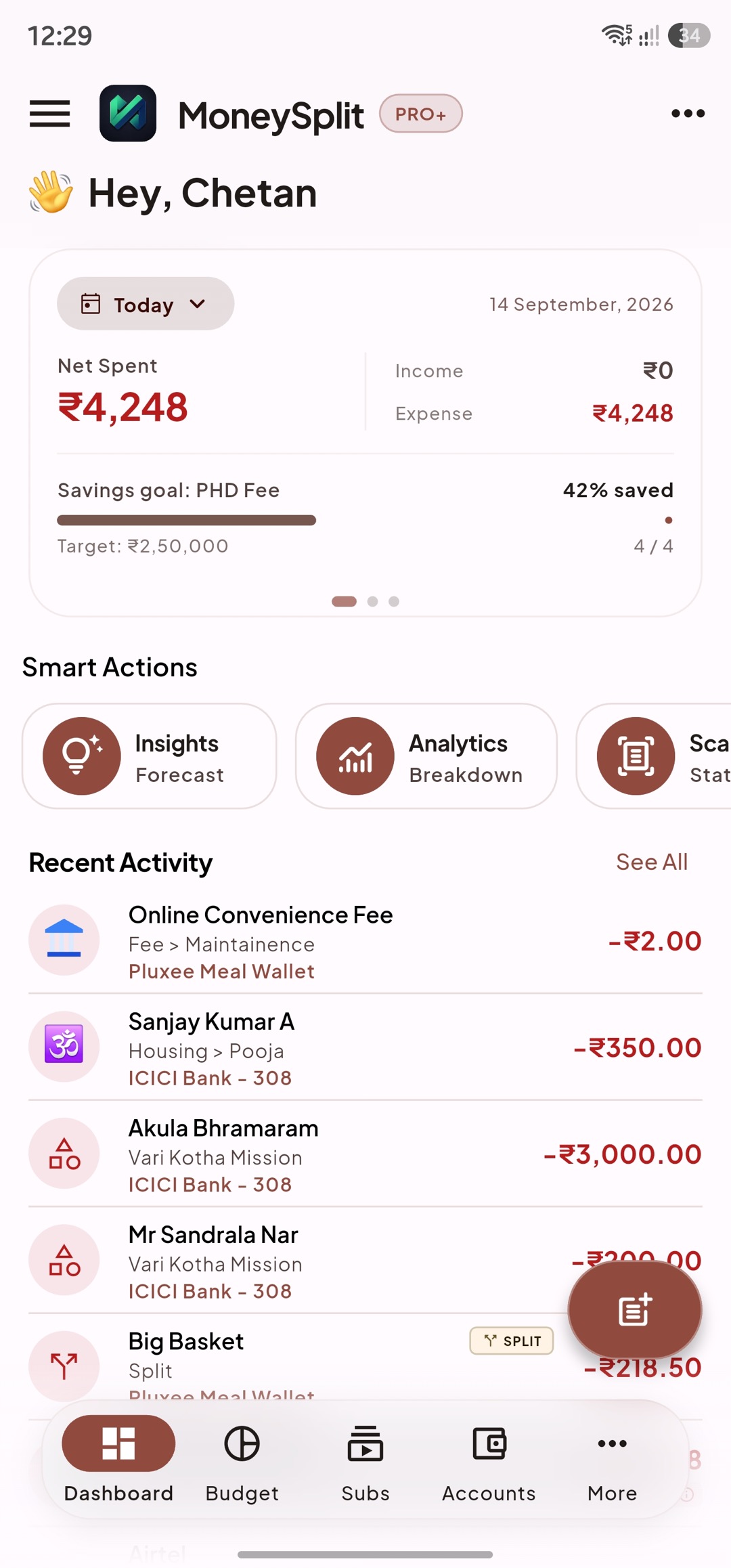
See today’s spending, savings progress, and recent activity.
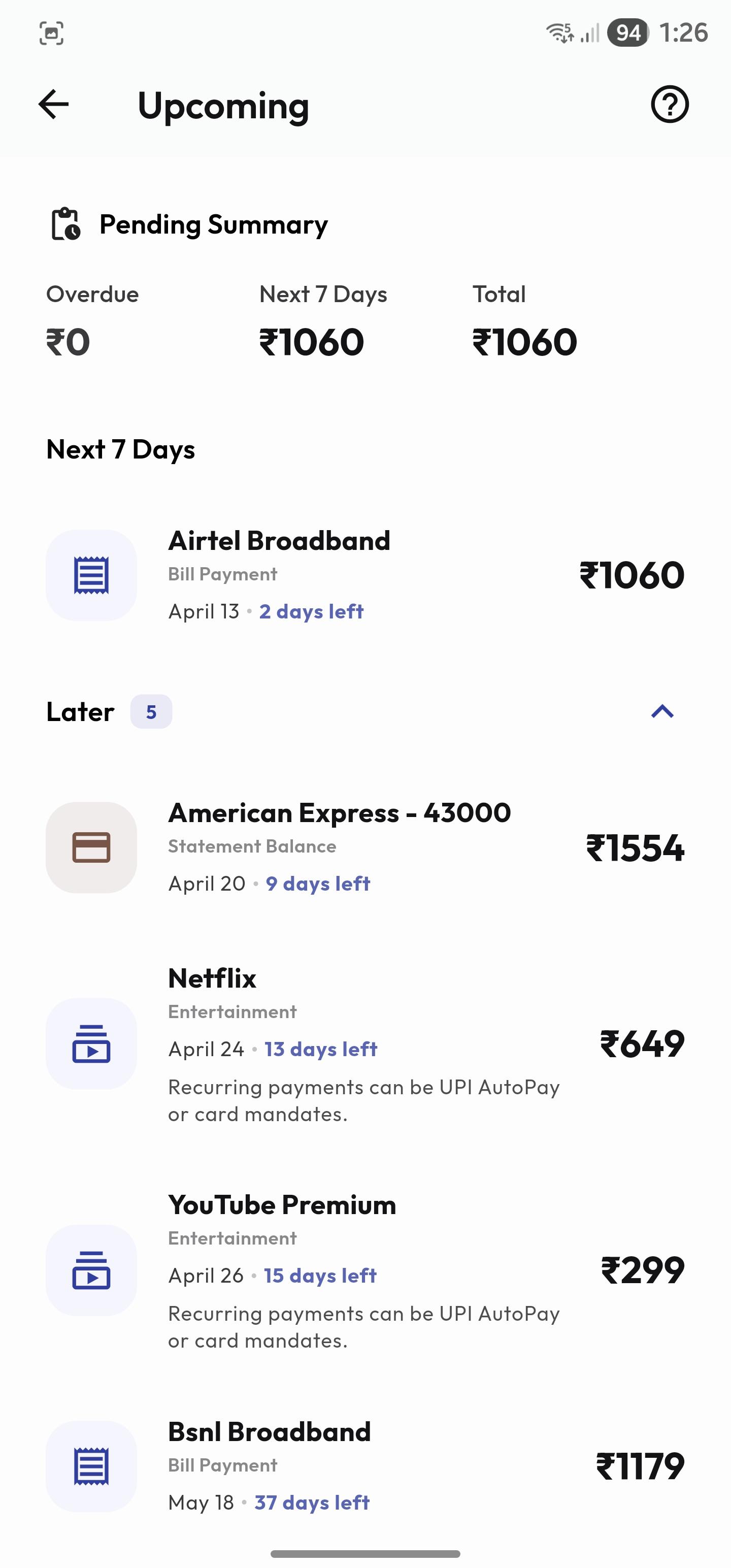
See the payments and commitments that are coming next.
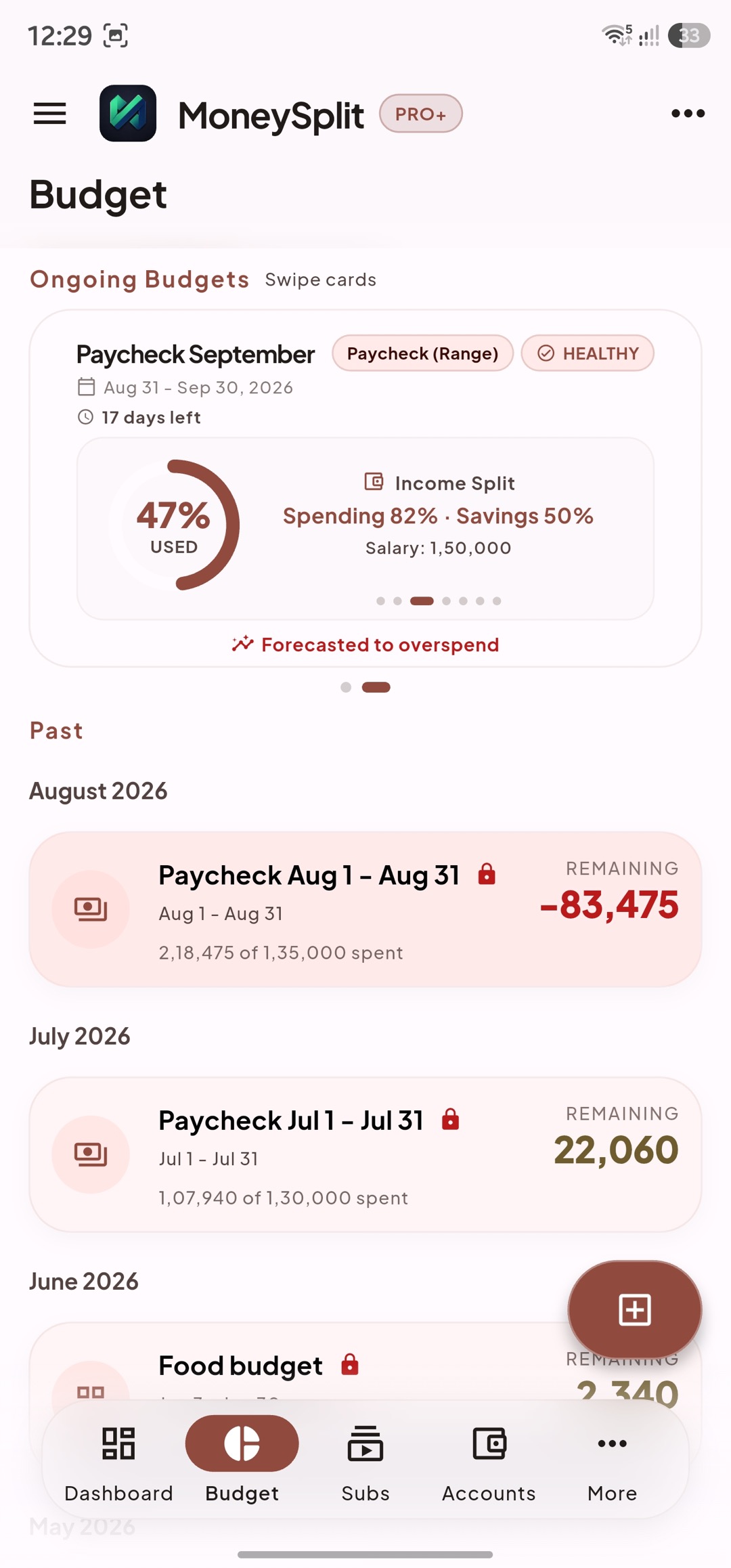
Track active budgets, income allocation, and remaining money.
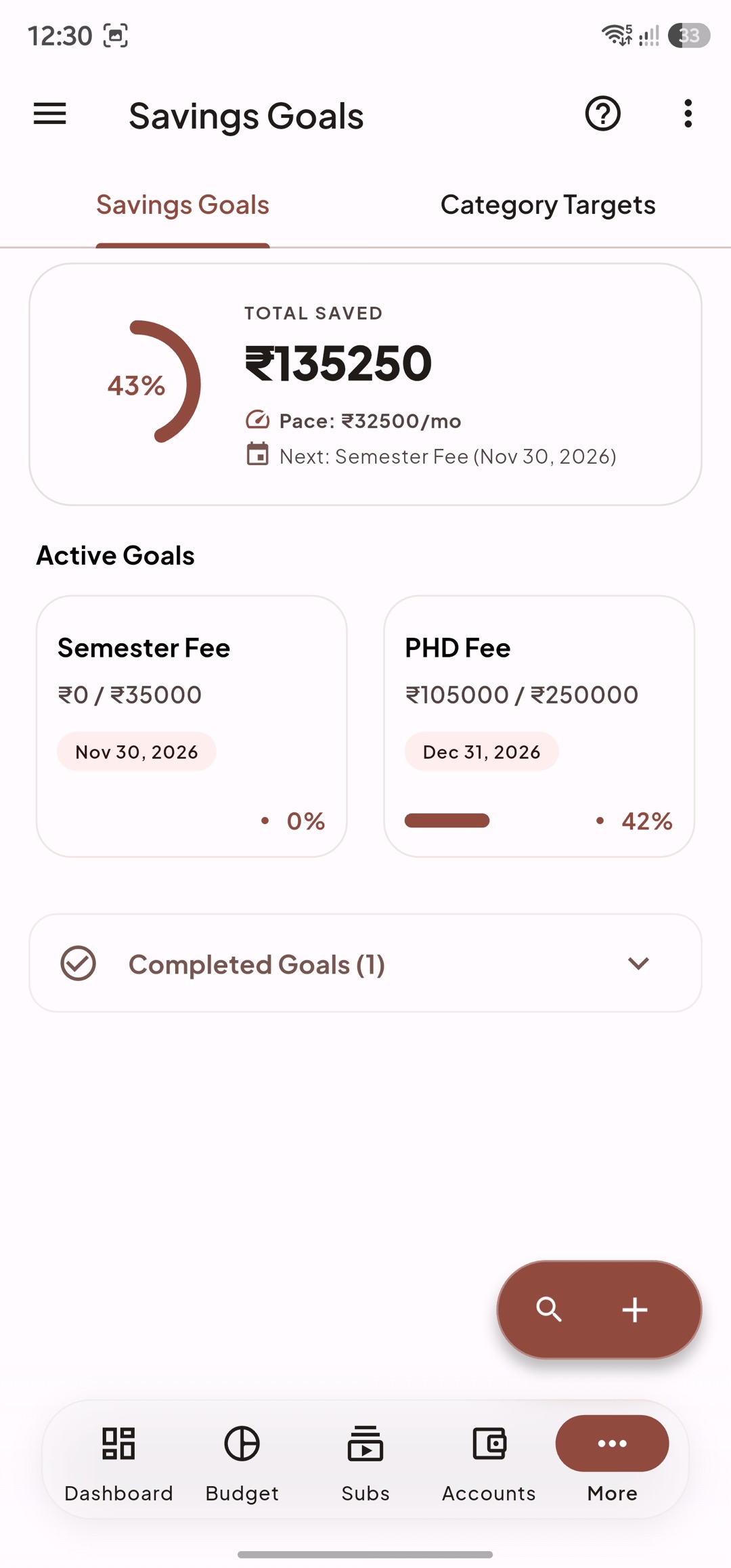
See total progress, target dates, and the pace needed each month.
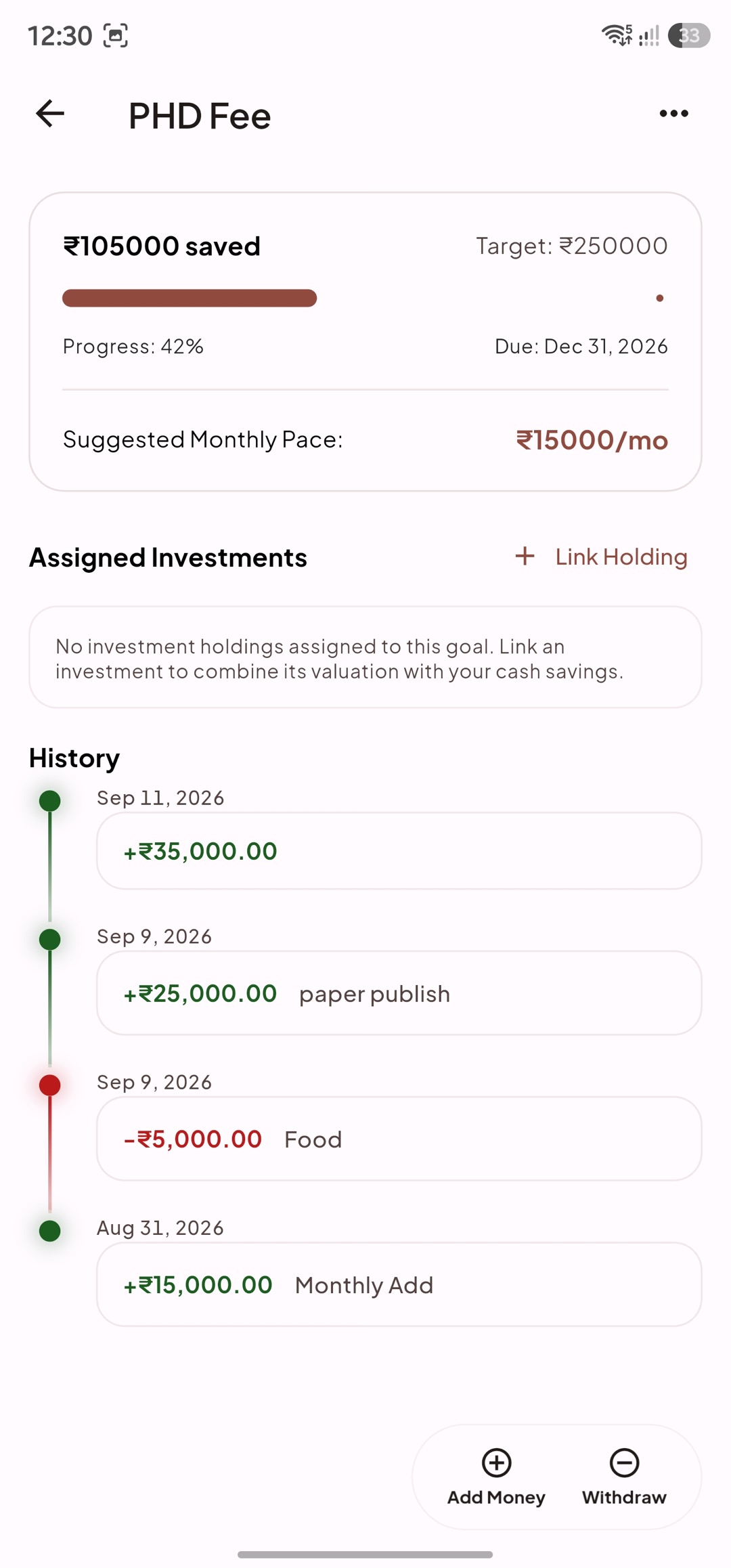
Review contributions, withdrawals, and linked investments.
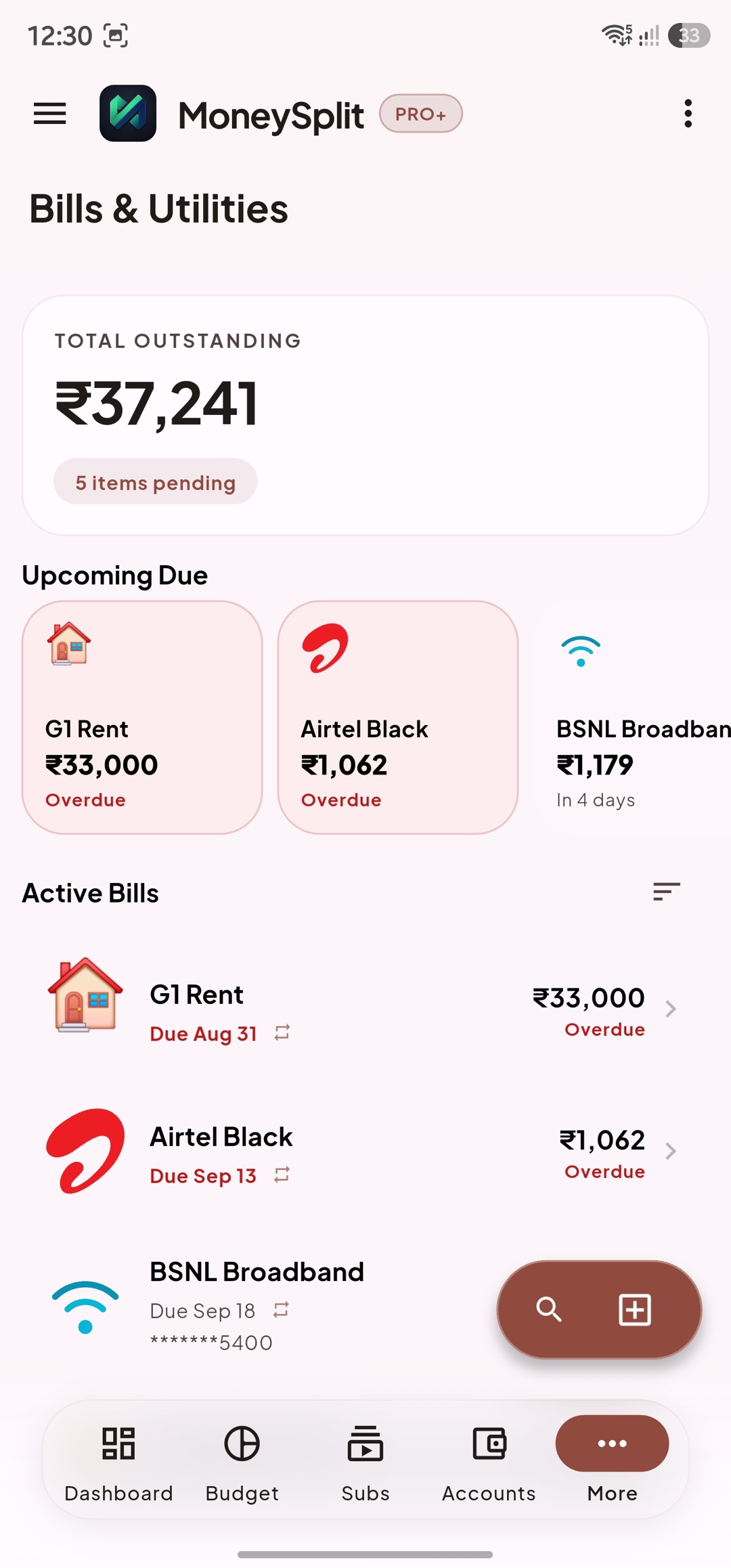
Keep due dates, overdue items, and outstanding amounts together.
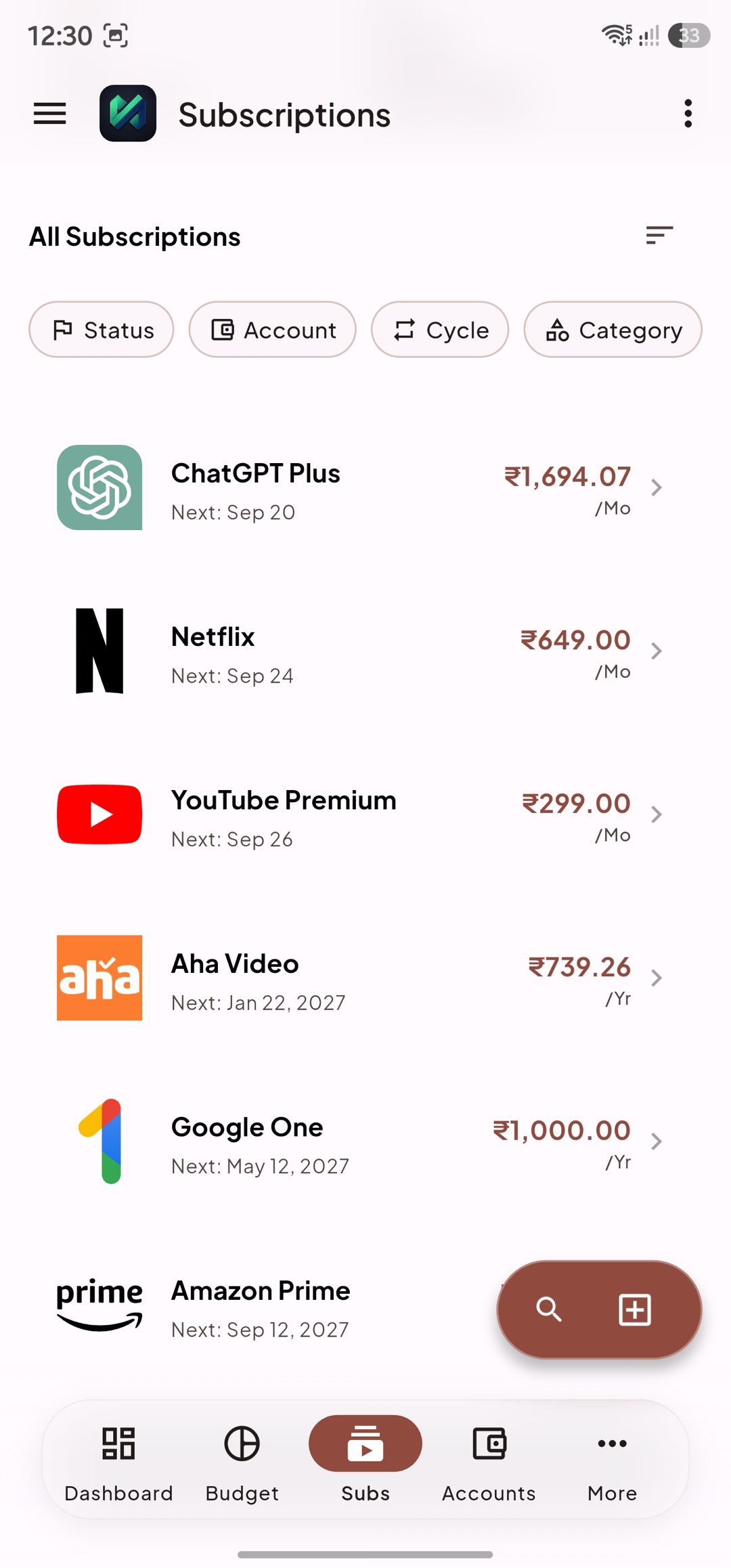
Review renewals and recurring costs by billing cycle.
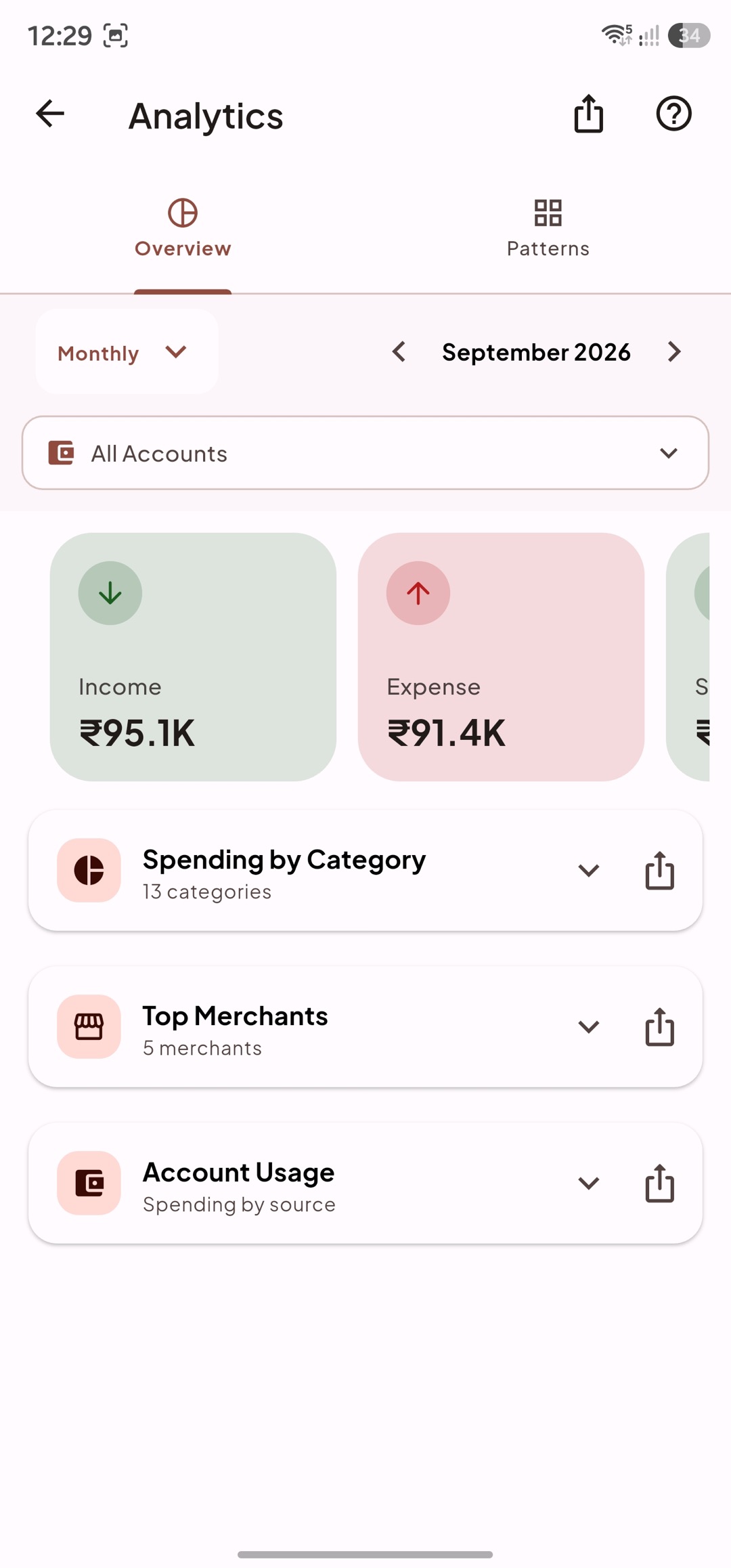
Compare income and expenses across categories, merchants, and accounts.
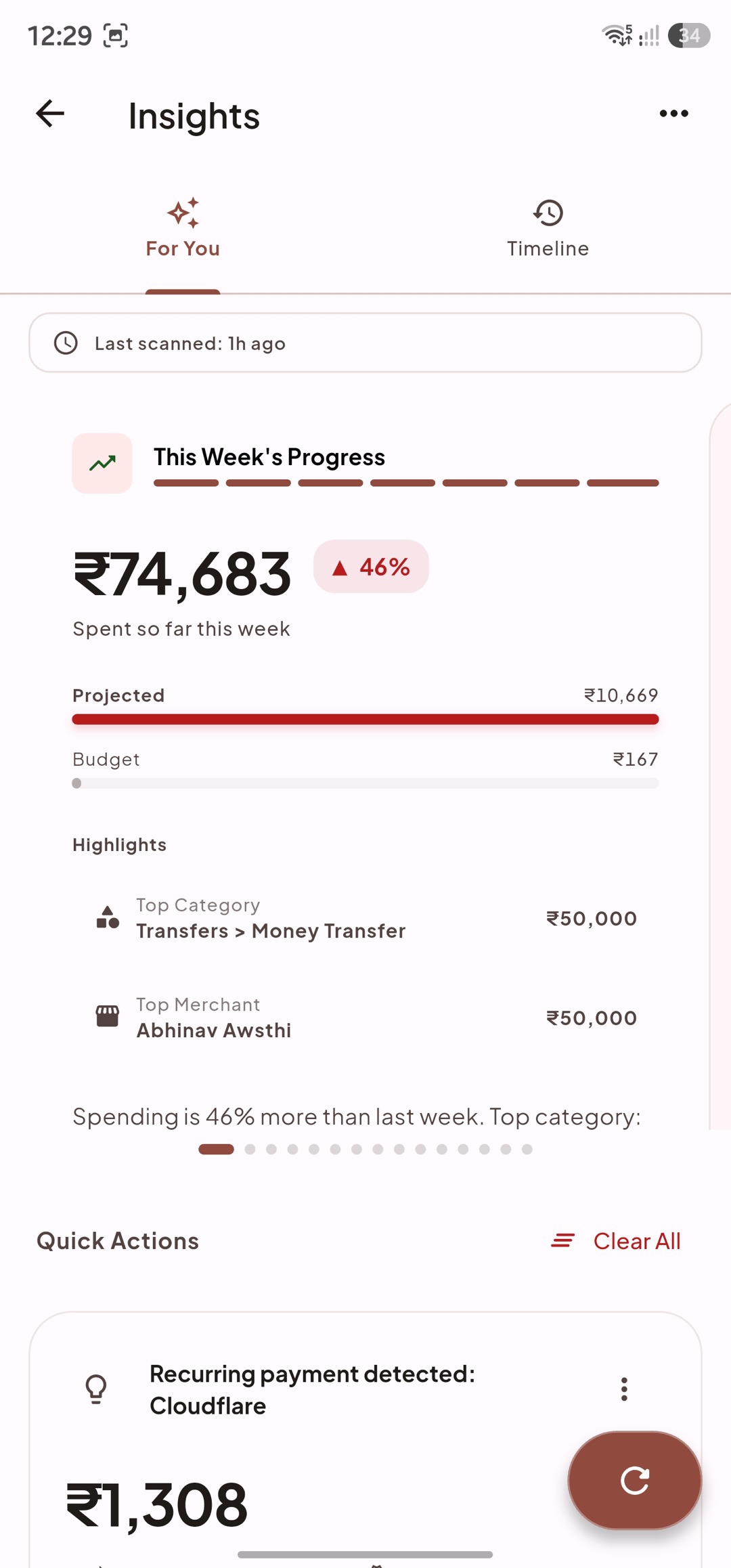
Find spending changes, recurring payments, and useful next actions.
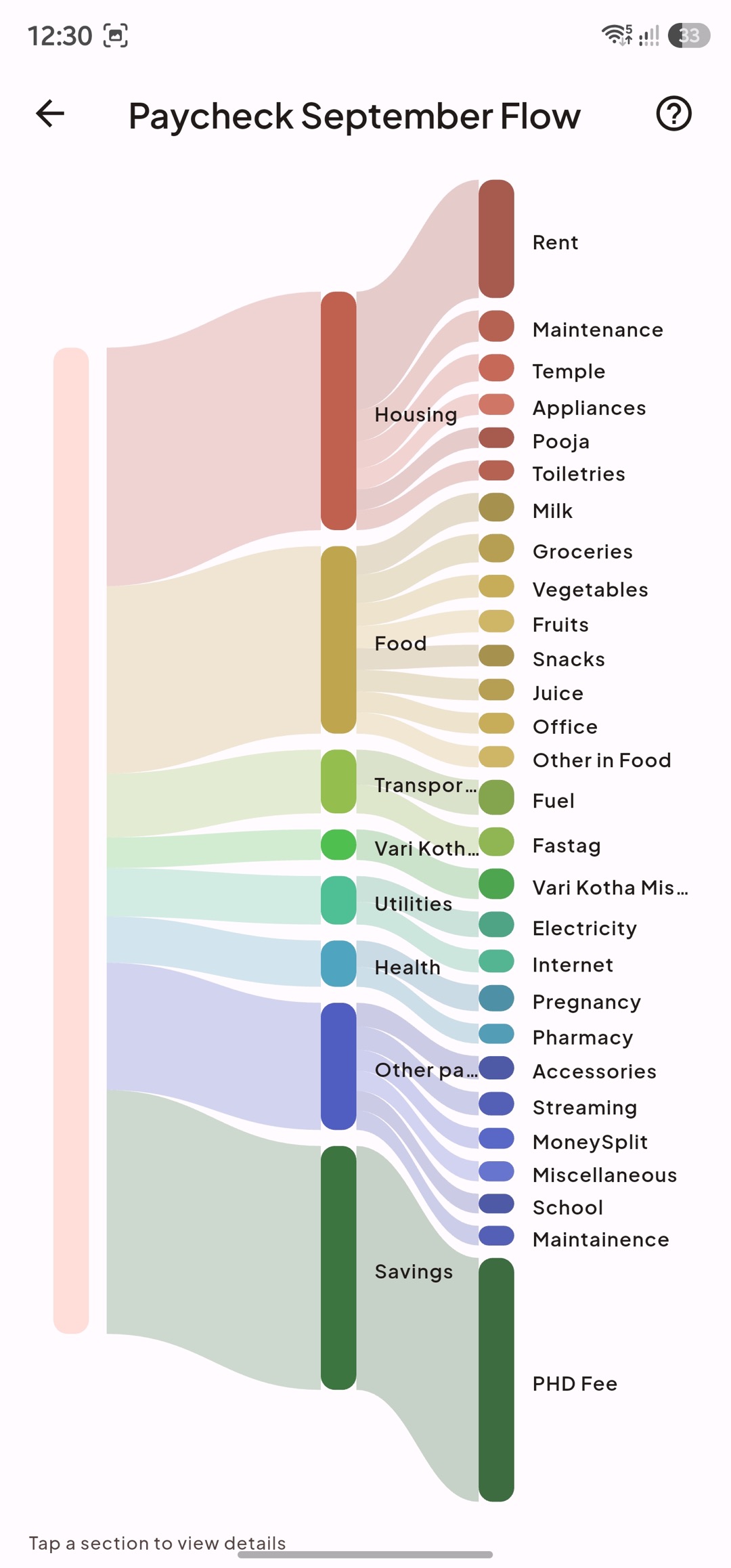
Follow income into spending categories and savings goals.
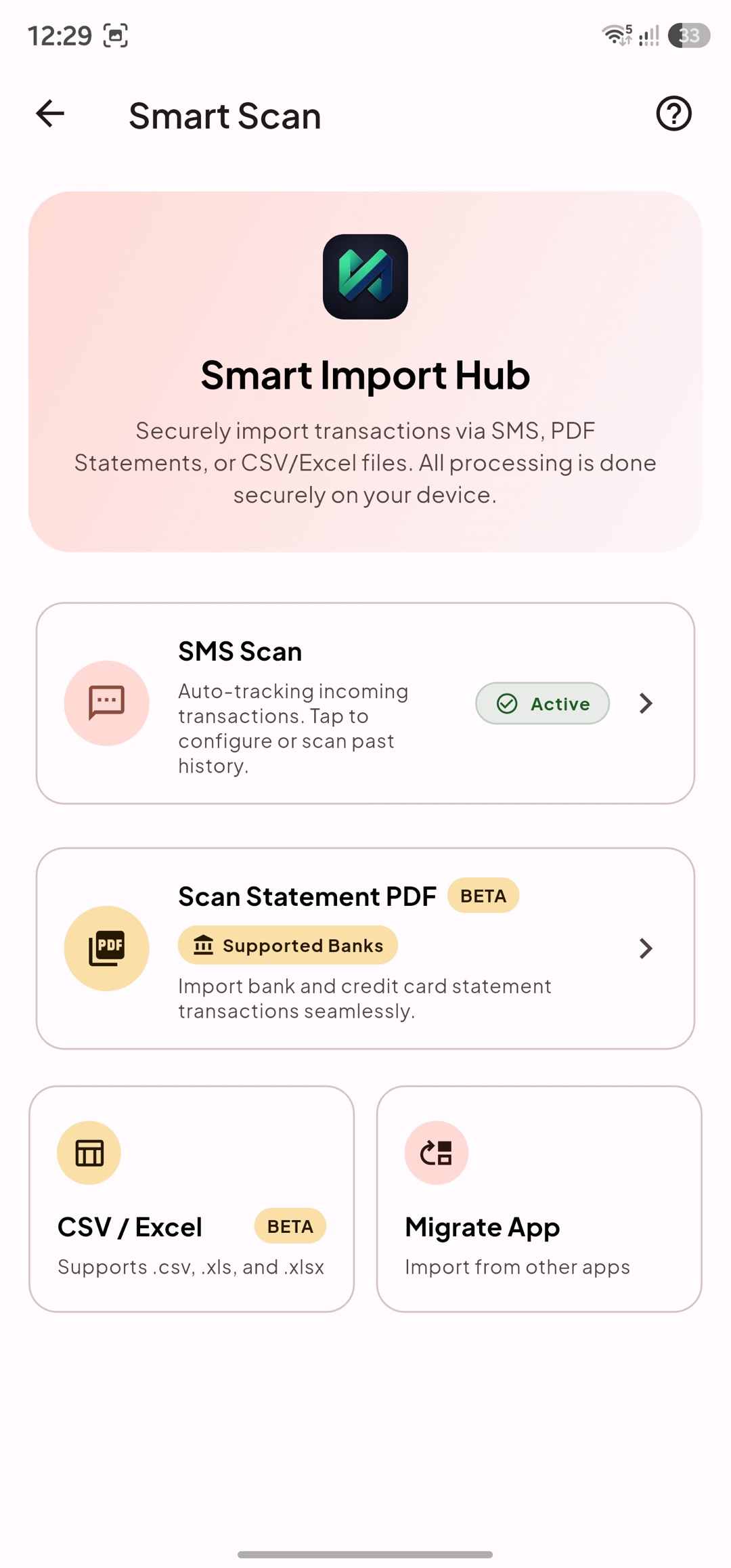
Import SMS, PDF, CSV, and Excel records on your device.
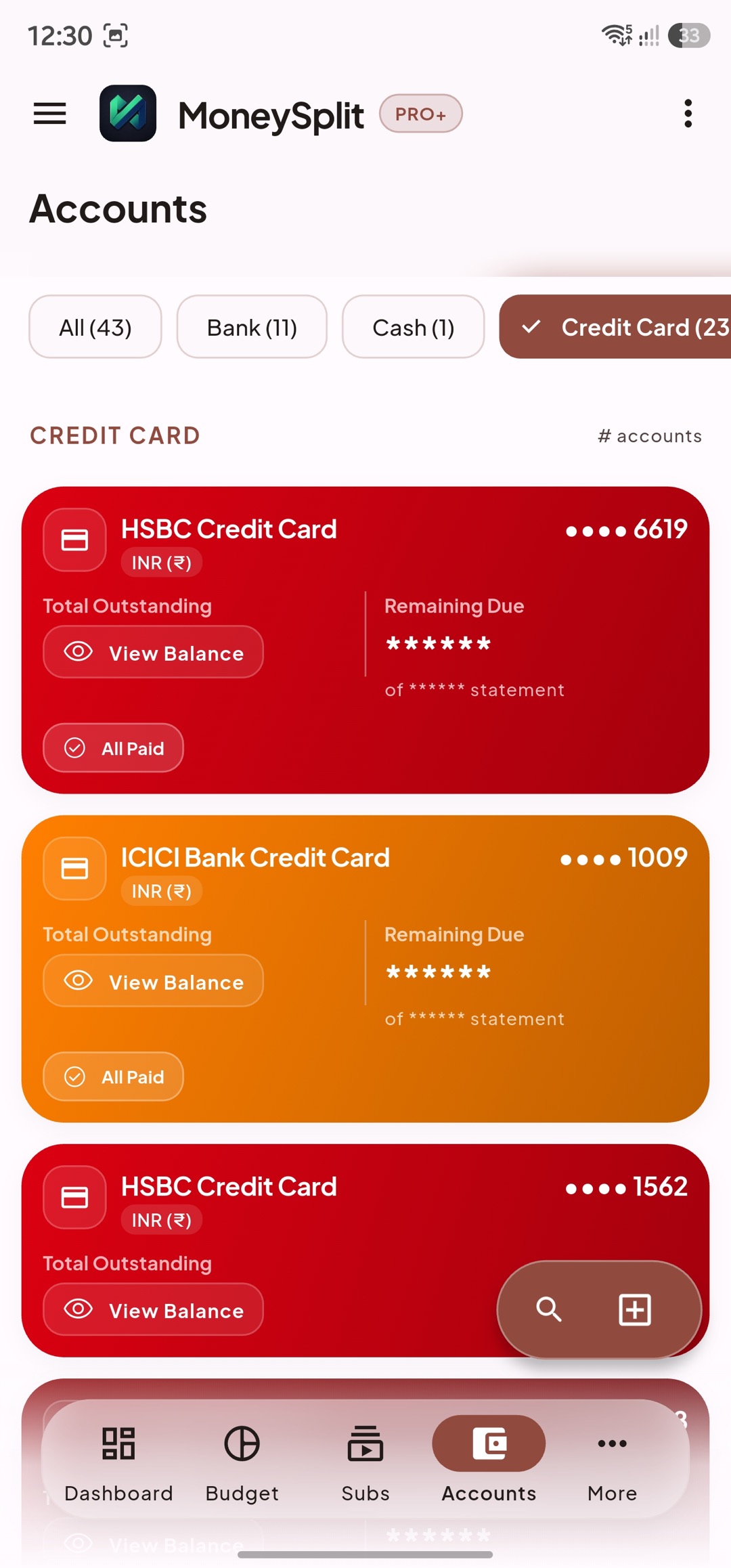
Organize bank, cash, card, wallet, and investment accounts.
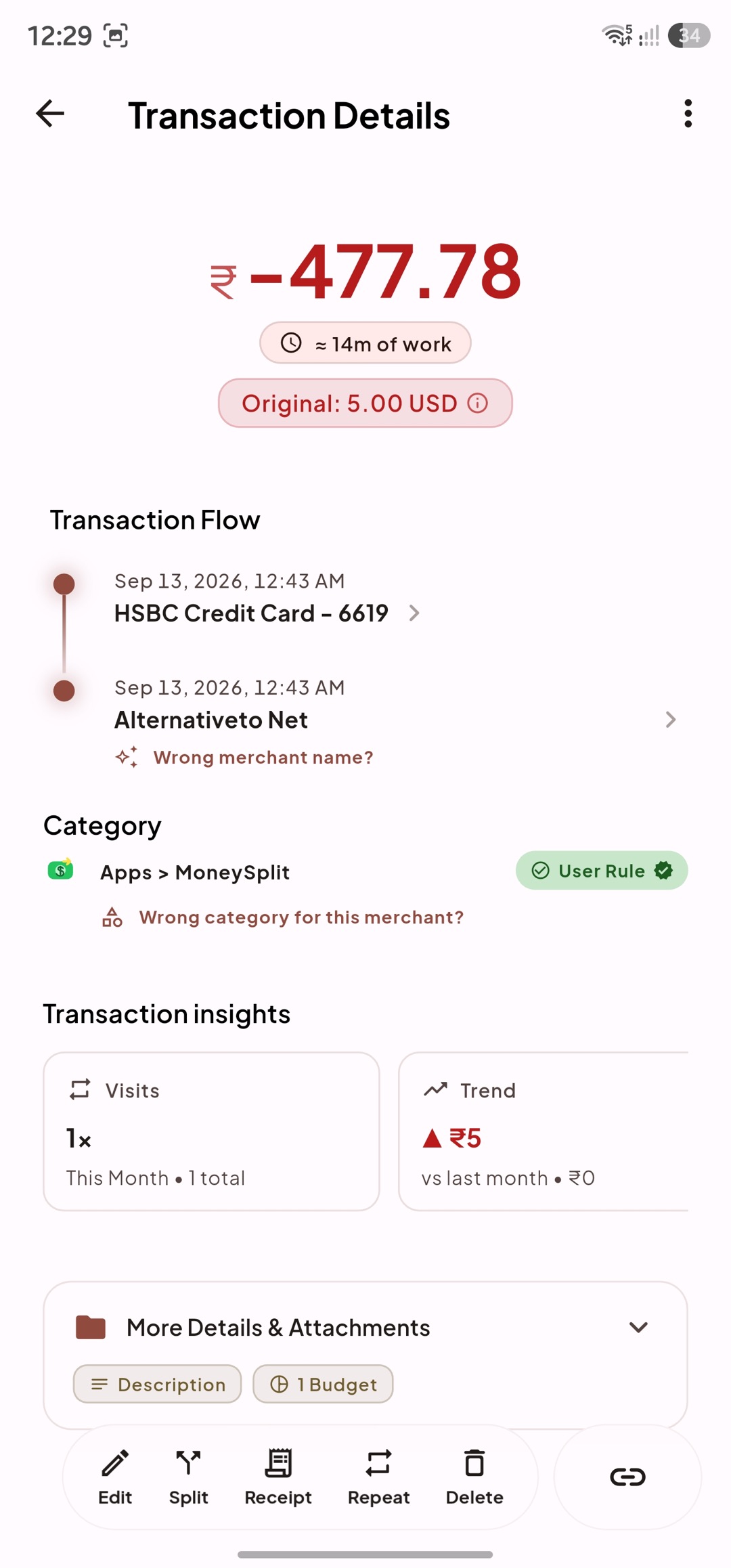
See life-hours, currency conversion, splits, receipts, and notes.
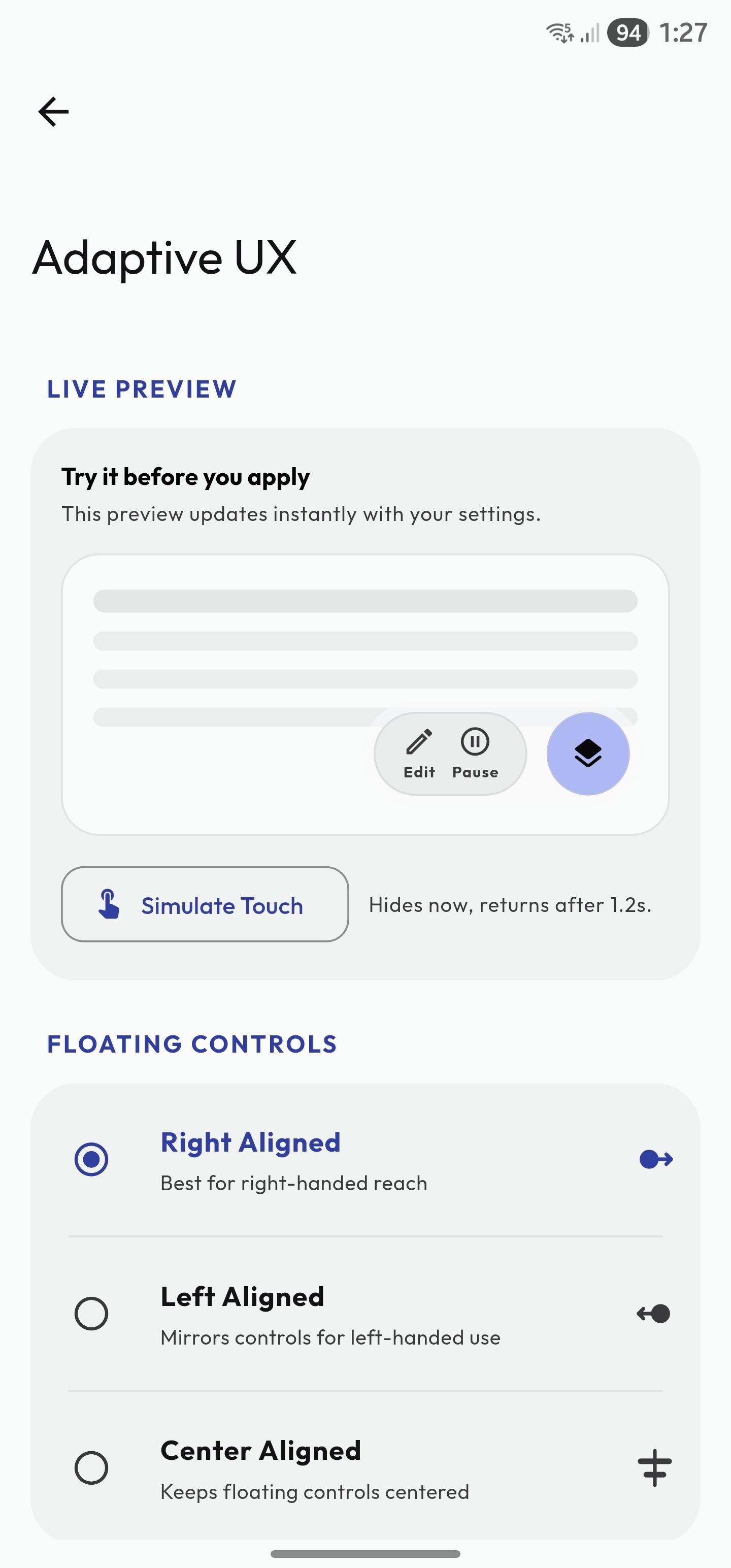
Choose the navigation, layout, and appearance that fit how you use the app.