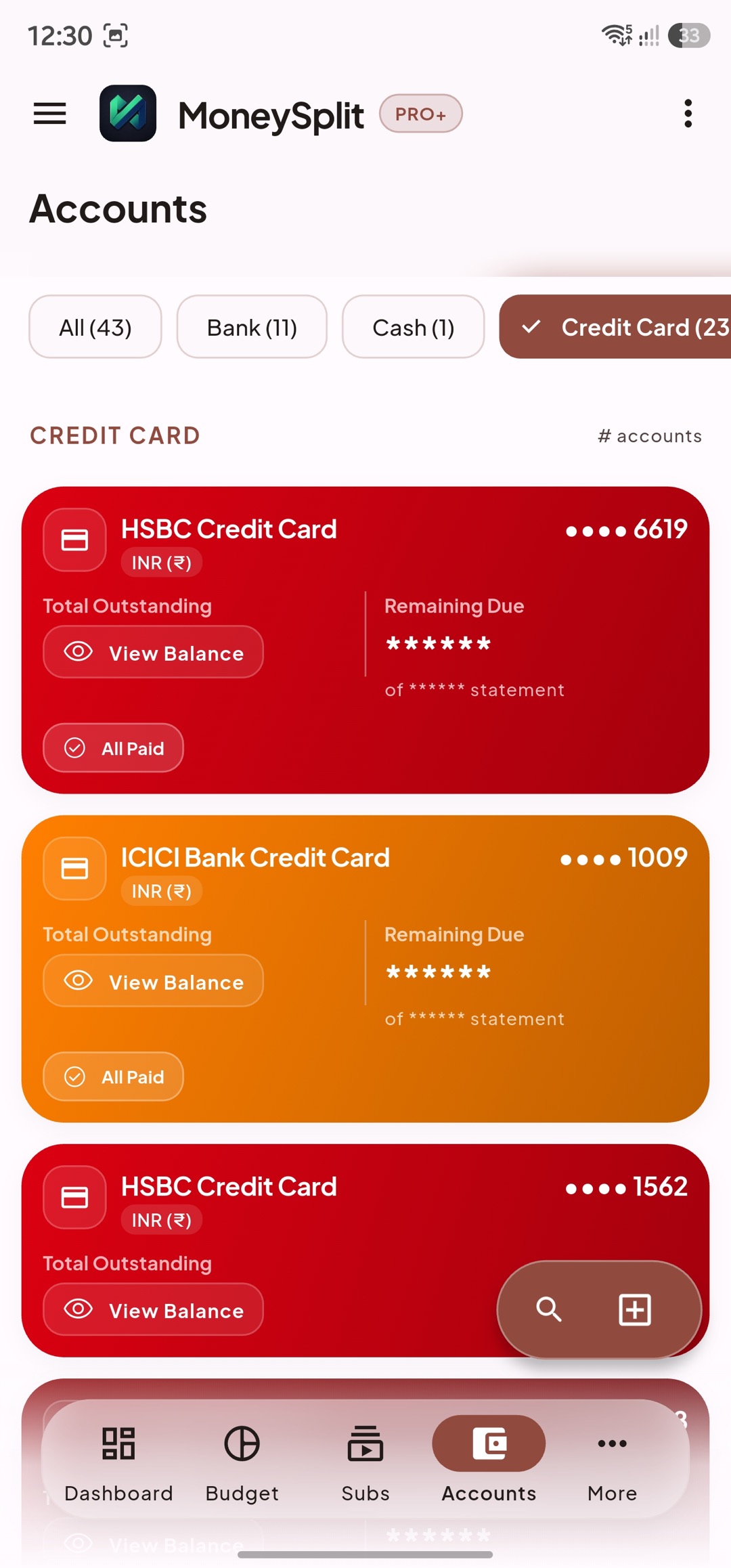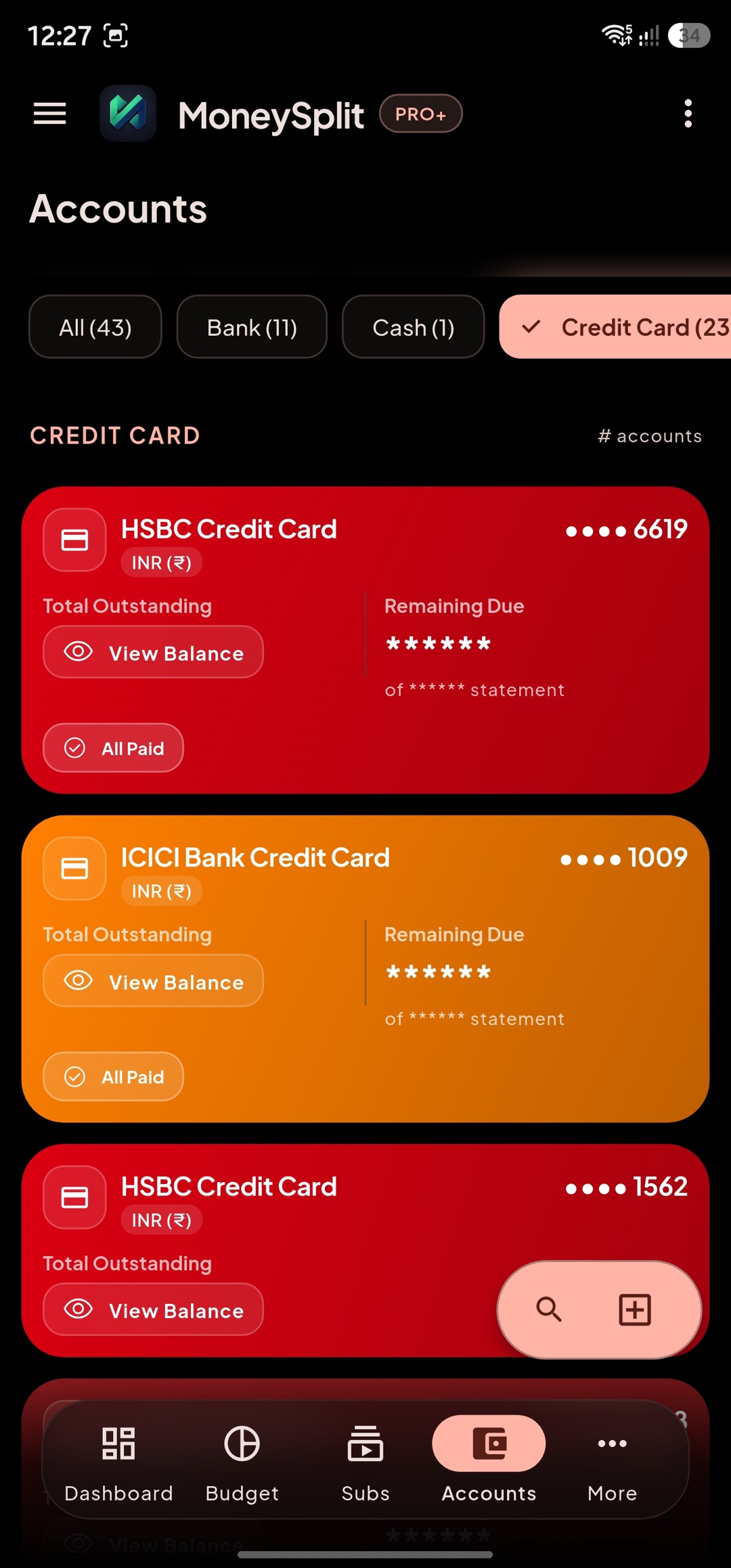
Accounts
Accounts Overview
Section titled “Accounts Overview”Accounts is your source of truth for where money currently sits.
Think of this screen as a map of your financial containers:
- Bank/savings accounts
- Cash wallets
- Credit cards
- Special-purpose accounts
How different users can use this:
- First-time budgeters: Track allowance, cash, and savings pockets clearly.
- Working professionals: Separate salary, spending, and emergency accounts.
- Household planners: Separate household, long-term goals, and obligation-focused accounts.
Daily/weekly routine:
- Verify balances look reasonable.
- Check if any account is missing recent activity.
- Open any account that looks abnormal.
Account Details
Section titled “Account Details”Account Details is where you validate behavior and history for one account.
What to review here:
- Recent transactions for that account only.
- Inflow/outflow pattern and unusual spikes.
- Linked usage context (for example, card-linked spending).
Use cases:
- Check whether daily discretionary spending is under control.
- Review salary credits, subscription debits, and repayment outflows.
- Confirm household bills and recurring commitments are routed correctly.
Best practice:
- Reconcile one account at a time when cleaning data.
- Fix category/tag errors here before they propagate into analytics.
Add or Edit Account
Section titled “Add or Edit Account”Use Add/Edit to keep account setup accurate and clean.
Typical fields and what they control:
- Account name: Human-readable label used across the app.
- Account type: Determines behavior in summaries and some workflows.
- Opening or baseline value: Improves reporting continuity.
- Optional matching metadata: Helps automated scan/reconciliation flows map correctly.
Recommended setup checklist:
- Use clear names that remain meaningful after 1 year.
- Keep account type accurate to avoid reporting distortions.
- Avoid duplicate accounts for the same real-world source.
- Update old account names instead of creating near-identical new ones.
For parents/household planners:
- Keep individual and household accounts clearly separated by naming.
- Add purpose in name if needed (example: “School Expenses Card”).
Credit Card Behaviors
Section titled “Credit Card Behaviors”Credit cards behave differently from cash/debit accounts, so use this section carefully.
Key concepts:
- Card spend increases outstanding liability, not “available cash.”
- Payment entries reduce card dues.
- Statement or due-cycle context impacts upcoming alerts and planning.
How to stay accurate:
- Link card usage and repayment accounts correctly.
- Reconcile card transactions regularly, not only at month-end.
- Track card repayments as repayments, not as normal spend categories.
For different usage levels:
- Shared/family cards: track spend separately for accountability.
- Single-card workflows: prevent revolving debt and late fee surprises.
- Multi-card workflows: optimize due-cycle cash-flow timing.