Dashboard & Analytics
Overview
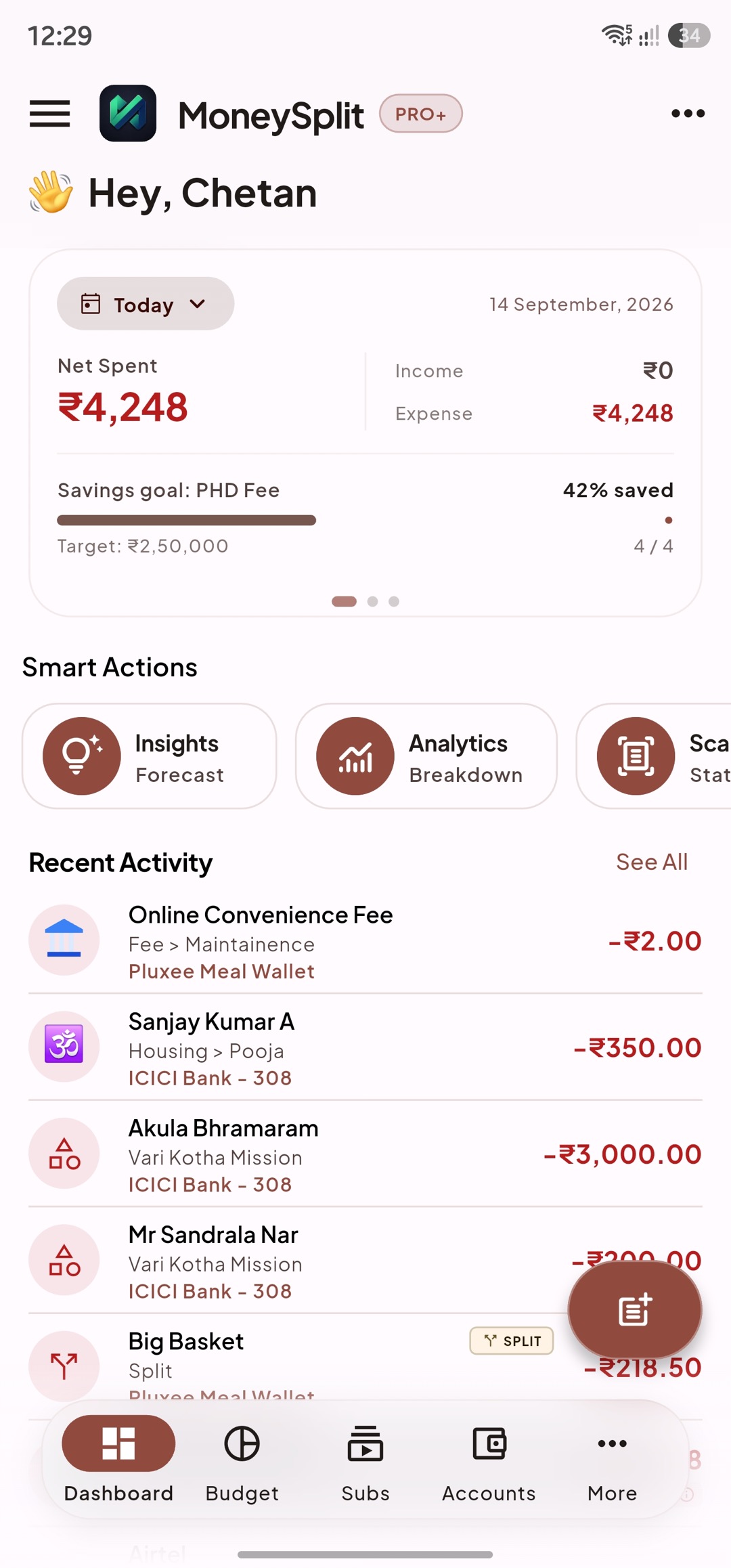
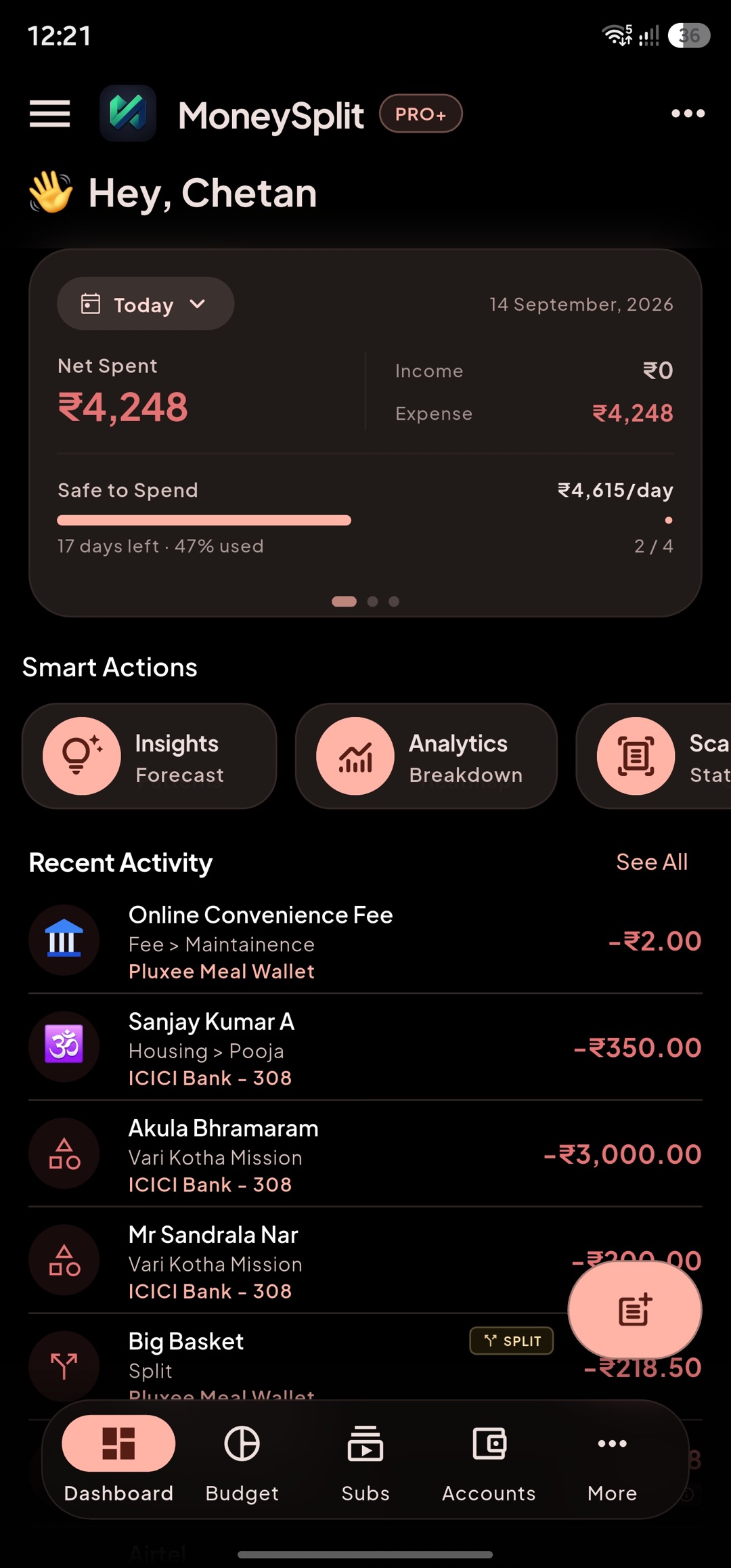
Section titled “Overview”Dashboard is your live command center. It summarizes your current financial position and gives quick paths into deeper tools.
What to check first on every app open:
- Overall health indicators (balance trend, budget status, or high-priority cards).
- Fresh activity snapshots to catch unusual spending early.
- Time-window context so you know whether you are seeing “current” vs historical signals.
Use Dashboard as a decision screen, not just a status screen:
- If spending is rising unexpectedly, open analytics immediately.
- If upcoming obligations look heavy, open Upcoming and re-plan.
- If data looks incomplete, run a review flow before making decisions.
Smart Actions
Section titled “Smart Actions”Smart Actions are one-tap shortcuts to high-value workflows.
Typical Smart Action destinations:
- Insights for auto-generated findings.
- Analytics for charts and trend breakdowns.
- Smart Scan for importing recent transactions.
- Review/Reconciliation for resolving pending items.
- Upcoming for due-item planning.
Recommended flow:
- Use Dashboard to identify what needs attention.
- Use Smart Action to jump directly to that workflow.
- Complete the action and return to Dashboard to verify impact.
Recent Activity
Section titled “Recent Activity”Recent Activity shows your latest posted transactions with quick corrective actions.
Use it to:
- Spot duplicates early.
- Fix wrong category/tag assignments quickly.
- Confirm imported entries look correct.
- Identify merchants that need alias cleanup.
Good hygiene:
- Correct small mistakes daily.
- Leave complex historical cleanup for focused review sessions.
- Keep notes/tags consistent for better analytics quality.
Analytics & AI
Section titled “Analytics & AI”Analytics gives structured, explainable numbers. AI Summary gives narrative interpretation and highlights.
Use Analytics when you need:
- Accurate period-over-period comparisons.
- Category-level breakdowns and drilldowns.
- Verification before acting on an insight.
Use AI Summary when you need:
- A fast “what changed” explanation.
- Priority signals without manually scanning every chart.
- Suggested follow-up areas to investigate.
Best practice:
- Treat AI output as a guide to investigate.
- Confirm important conclusions in Analytics before changing budgets or plans.