Upcoming
Timeline
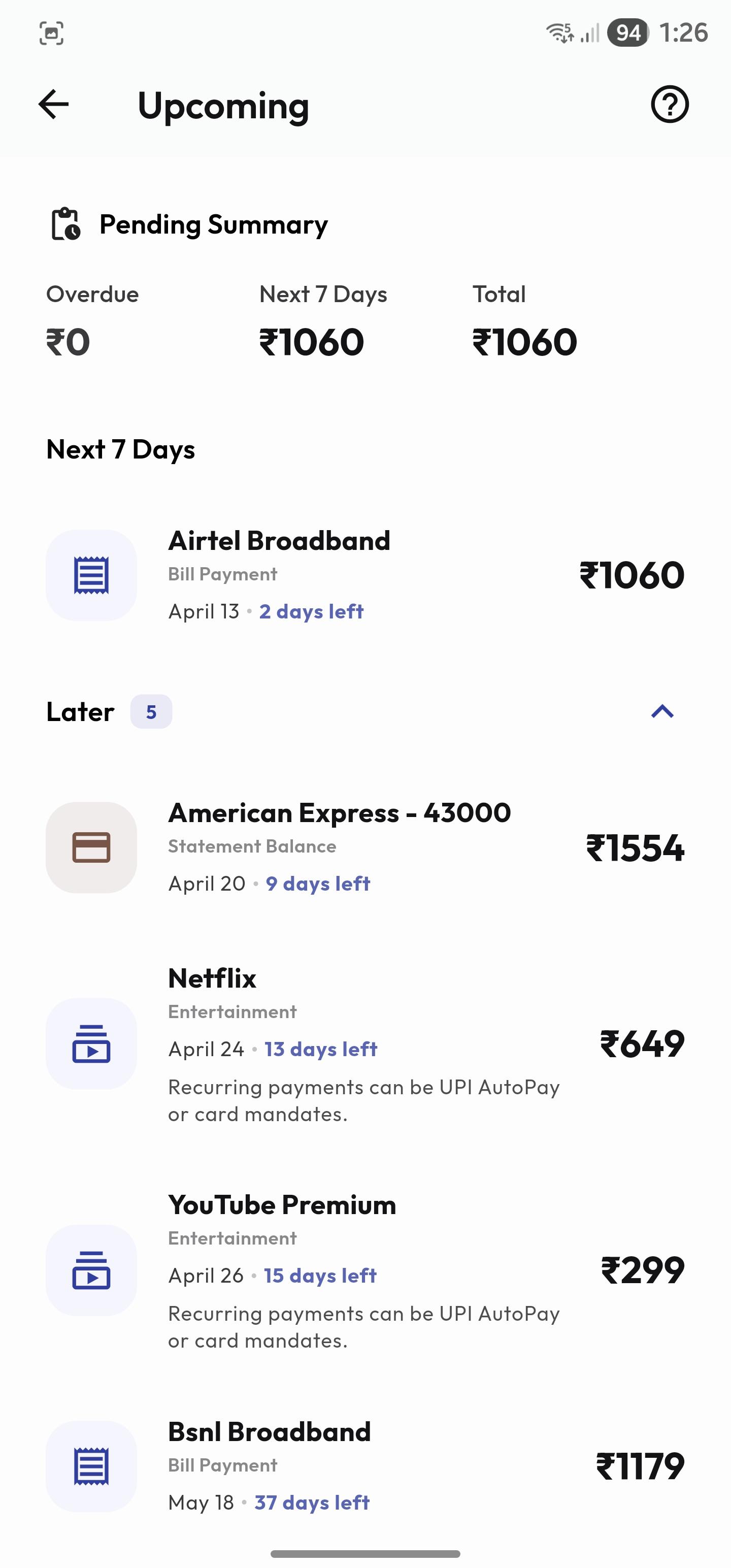
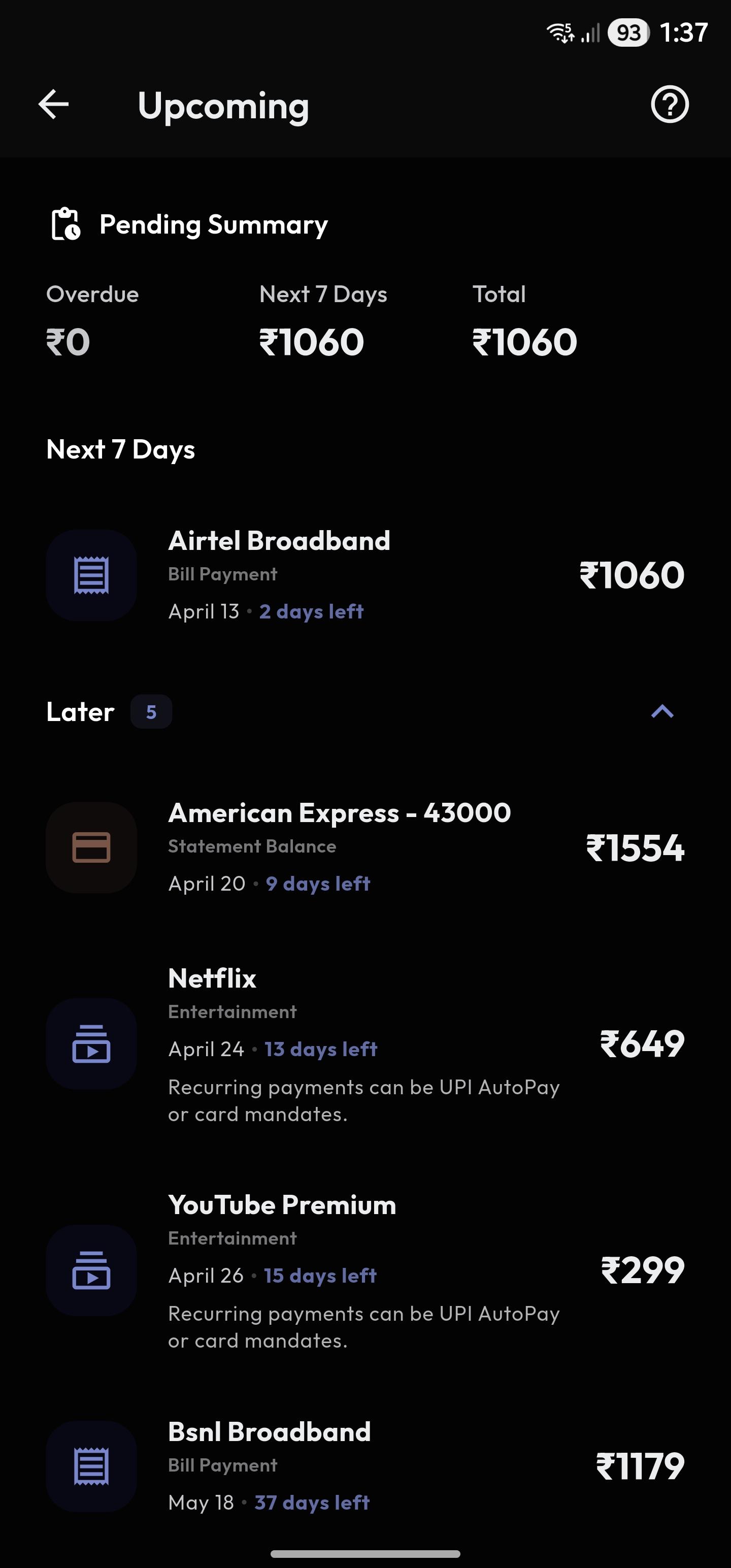
Section titled “Timeline”Upcoming is your forward-looking planning timeline across obligations and deadlines.
It consolidates:
- Subscription dues
- Bill dues
- Loan/EMI obligations
- Budget timeline events where relevant
Use Timeline to:
- Prevent missed due dates.
- Sequence payments by urgency.
- Plan short-term cash flow.
Daily/weekly workflow:
- Check near-term items first.
- Resolve items due soon.
- Re-plan if clustered dues create pressure.
Mark Paid & Edit
Section titled “Mark Paid & Edit”Each timeline item supports actions to keep planning state accurate.
Common actions:
- Mark as paid when obligation is completed.
- Open detail/edit for corrections.
- Navigate to source feature when deeper changes are needed.
Before marking paid:
- Confirm transaction actually occurred.
- Confirm amount/date are close enough to expectation.
If uncertain:
- Open source detail and reconcile first.
Grouping & Priority
Section titled “Grouping & Priority”Items are grouped by urgency windows so the most important work is always visible first.
Typical priority logic:
- Overdue
- Due soon
- Upcoming later
How to use priority groups:
- Always clear overdue first.
- Then resolve near-term high-value obligations.
- Leave low-impact future edits for scheduled cleanup.
This reduces missed payments and decision fatigue.
Upcoming Guide
Section titled “Upcoming Guide”Use this guide as your operational policy for obligations:
- Keep schedules accurate.
- Keep reconciliation discipline.
- Avoid duplicate edits in multiple places.
Safe editing strategy:
- Edit source obligation record (subscription/bill/loan).
- Re-open Upcoming to verify timeline updates.
- Reconcile related transaction if required.
Long-term outcome:
- Better cash-flow predictability.
- Lower late-fee risk.
- Cleaner historical records.