Insights
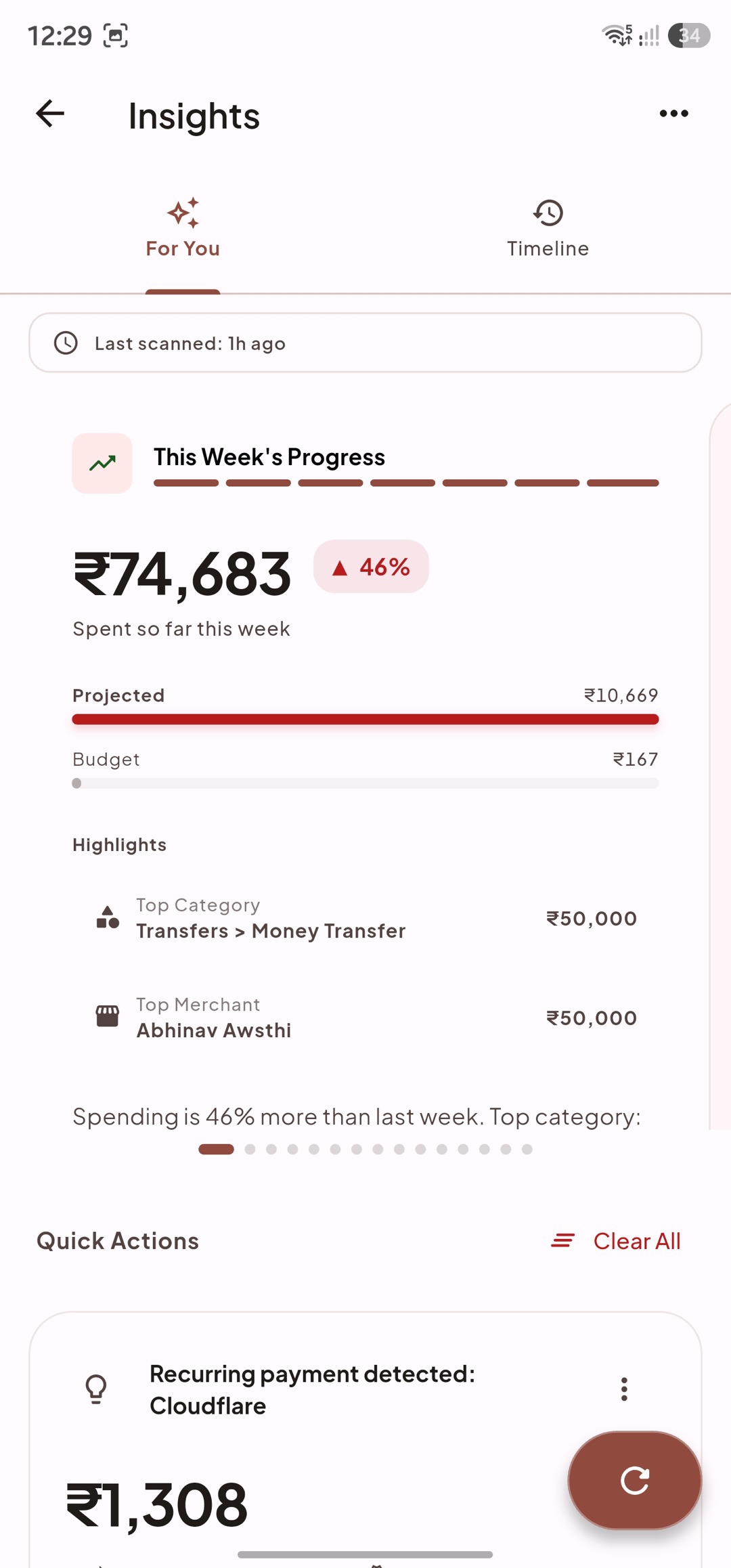
Insights turns your transactions, budgets, bills, subscriptions, and goals into timely prompts. It is decision support, not a replacement for reviewing the underlying data.
Insights Feed
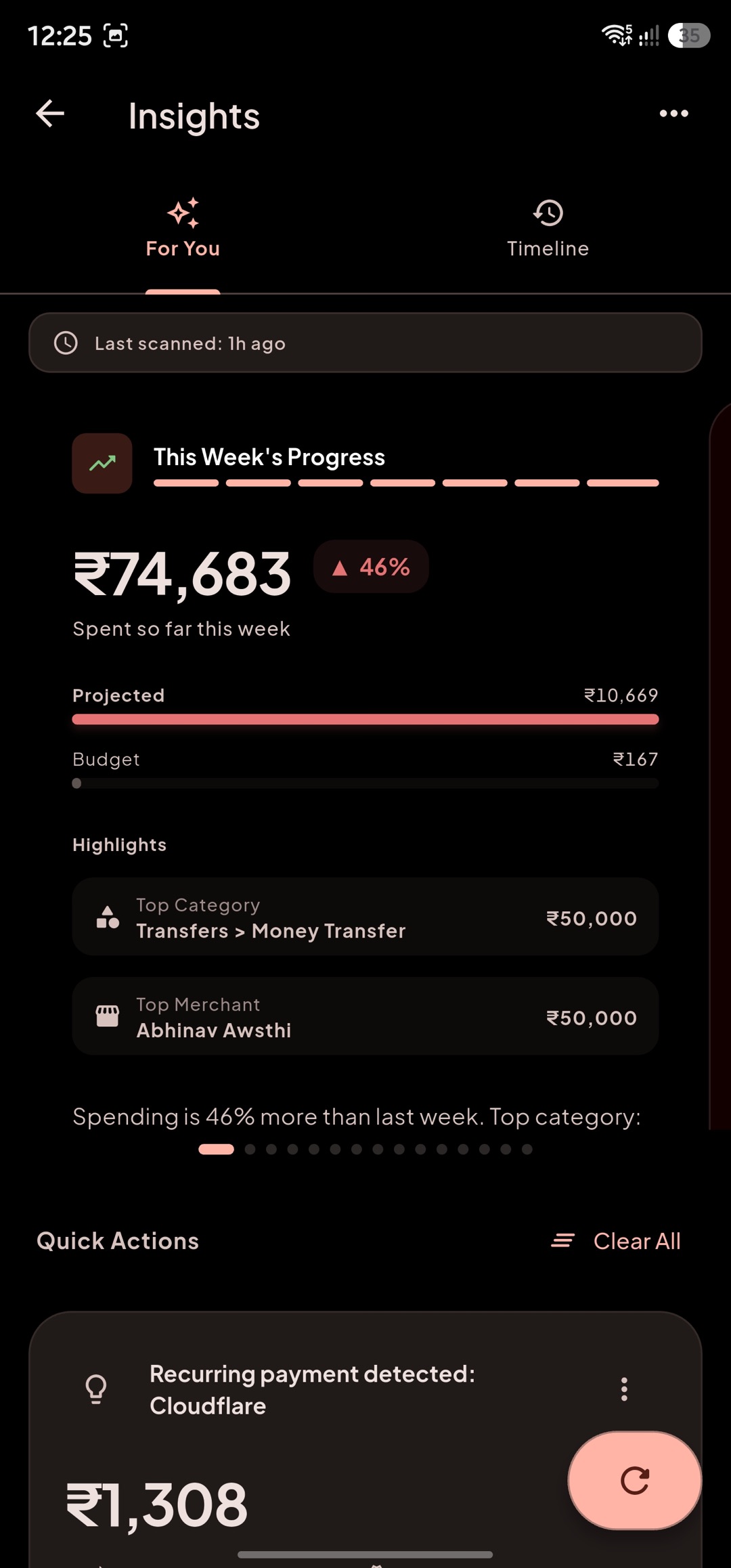
Section titled “Insights Feed”Use For You for the current, actionable feed and Timeline for saved monthly and weekly reviews. The screen shows when it was last scanned and can apply a type filter when you arrive from another part of the app.
Insights can cover:
- spending anomalies, category trends, and forecast risks;
- due bills, subscriptions, recurring charges, and price changes;
- budget reallocation opportunities and unbudgeted pressure;
- savings milestones, urgency, and goal progress;
- a safe-to-spend daily allowance that reserves upcoming bills, subscriptions, and active goal pacing;
- an opportunity to move a conservative share of a category’s projected surplus into an incomplete savings goal.
Run a deep scan when you have imported a substantial history or want to rebuild historical signals. Regular smart scans run only when enough time has passed, keeping the feed from being needlessly refreshed.
Actions
Section titled “Actions”Read the evidence and action label on each card before acting.
- Open a drilldown to inspect the transactions, budget, bill, subscription, or report behind the signal.
- Goal-acceleration actions add the suggested amount to the goal and reduce the source category’s assignment by the same amount.
- Budget reallocation actions move planned money between the identified categories.
- Mark, snooze, dismiss, ignore, or correct a suggestion when those actions are offered.
- Clear selected insight types or clear all active insights. The clear action offers a short undo window.
An insight may be suppressed after you reject or ignore it, so repeated non-actionable prompts do not keep returning.
Drilldowns
Section titled “Drilldowns”Use drilldowns to confirm a recommendation before making a financial decision.
- Safe to spend: check the available daily amount against upcoming obligations and remaining days.
- Goal accelerator: verify the category’s projected surplus and the goal’s current progress before moving funds.
- Budget alerts: review category activity and remaining allocation.
- Reports and timeline: compare the date range, income, expenses, and health context across periods.
If a result looks wrong, correct the underlying transaction, category, budget, bill, subscription, or goal, then refresh or run a scan again.