Savings Goals & Sinking Funds
Savings Goals help you reserve money for a purpose. Use a standalone goal for a personal objective, or a category target to make a future expense part of the budget plan.
Goals Overview
Section titled “Goals Overview”The Savings Goals screen has separate tabs for standalone goals and category targets.
- Create standalone goals for an emergency fund, travel, a purchase, or another objective.
- Search both lists, keep active goals visible, and expand completed goals when you want to review them.
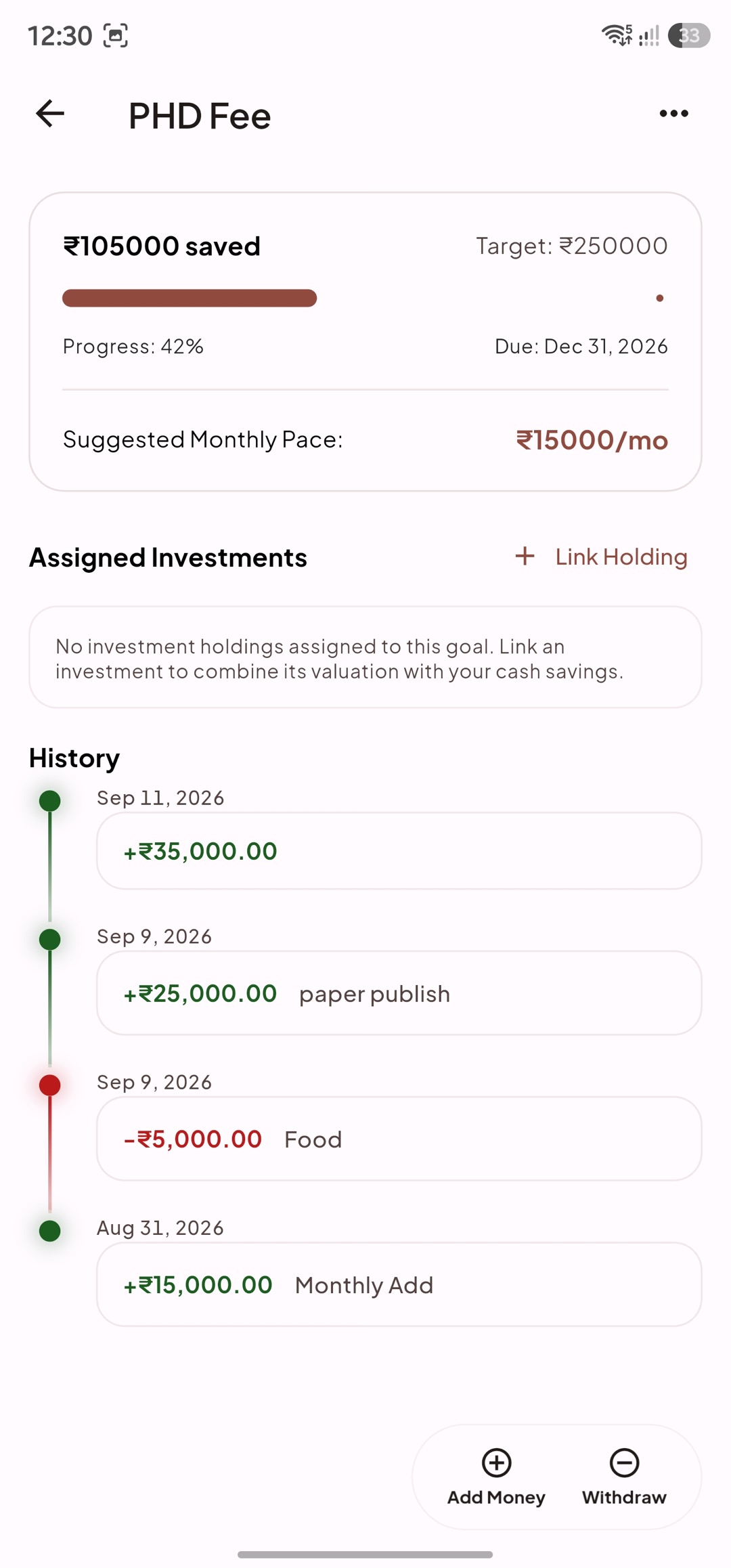
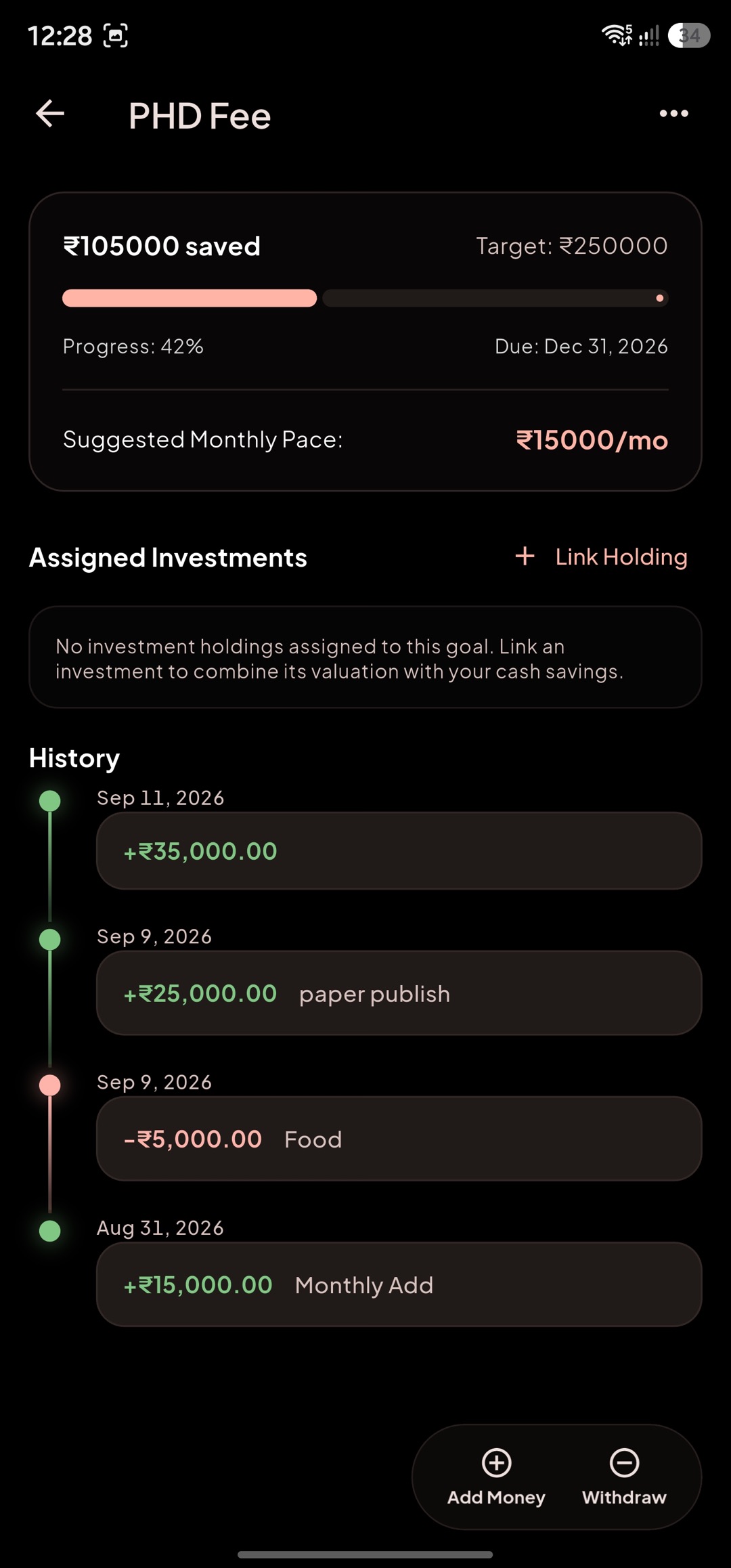
- Open a goal for its progress, target date, recommended pace, and deposit/withdraw history.
- Add money or withdraw money from the goal without losing its history.
- Link a goal to an account to treat it as a reserved portion of that account’s balance. The account view shows the savings breakdown and helps prevent allocating more cash than is available.
Goal progress can combine the goal’s cash balance with investment holdings linked to that goal. Linking or unlinking a holding changes the goal’s displayed progress; it does not delete the investment.
Pacing & Strategies
Section titled “Pacing & Strategies”Each goal can calculate a recommended contribution for the current month.
- Target Date: set a target amount and date; MoneySplit spreads the remaining amount across the time left.
- Flexible Refill: set a target balance; MoneySplit recommends refilling the shortfall each period.
- Monthly Builder: set a recurring minimum contribution without an end date.
The pace is guidance, not an automatic bank transfer. Add money from the goal detail screen or include the goal in Budget’s Allocate income flow when you are ready to fund it.
Category Targets
Section titled “Category Targets”Category targets are sinking funds attached to budget categories.
- They appear in Budget’s Savings & Goals area, alongside the recommended pace and current period assignment.
- Fund them manually from the category, with Fund underfunded goals in Quick Budget, or through an income allocation.
- A category target with an unmet pace is marked underfunded; completed targets are grouped separately.
- Removing a category target only stops the budget link. It does not delete a separate standalone goal or its ledger.
Use a category target for predictable future spending, such as annual insurance or a planned repair. Use a standalone goal when the money should be tracked independently of one budget category.